
📜學習重點:
- 用於複雜選單 – ElementorKit
- 簡單Mega Menu – Max Mega Menu
使用ElementorKit
下載外掛:
- ElementorKit → Header Footer → 開啟 Mega Menu
- ElementorKit → Add New Template → 設計新的頁首
- 外觀 → 選單 → 勾選 Enabl this ….
使用Max Mega Menu
下載外掛:
步驟:
1. 安裝外掛
- 外掛 → 安裝外掛
- 搜尋:Max Mega Menu
- 安裝並啟用
2.啟用 Mega Menu
外觀 → 選單:Enable Max Mega Menu ✔
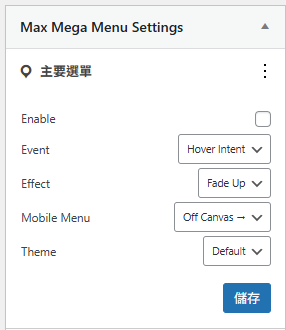
3.選單項目啟用 Mega Menu:在選單右邊可以看到
👉 點開一個主選單(例如:課程)

4.編輯 Mega Menu 內容 – 加入小工具
- 加入Contaiener
- 加入元件
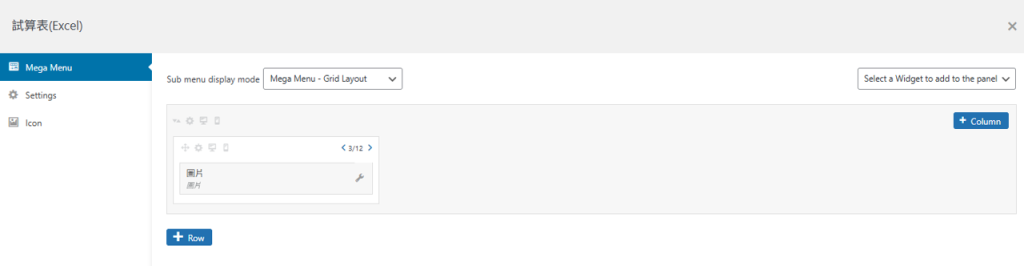
5.調整樣式